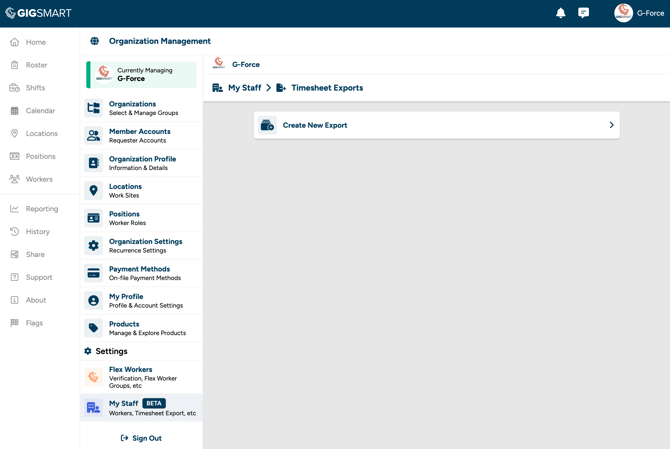
Step 1 - Go to Organization Management, then select My Staff > Timesheet Exports.
Step 2 - Select the option to create a new export.
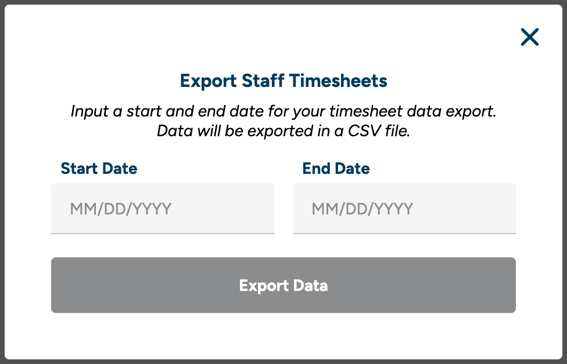
Step 3 - Enter a date range for the export. This will include all completed staff engagements within that timeframe.
Step 4 - Generate the export. A CSV file will be created that you can download and upload to your payroll provider.
Staff workers are not paid through the GigSmart platform. Timesheet exports give you the data you need to process staff payments through your existing payroll system.