
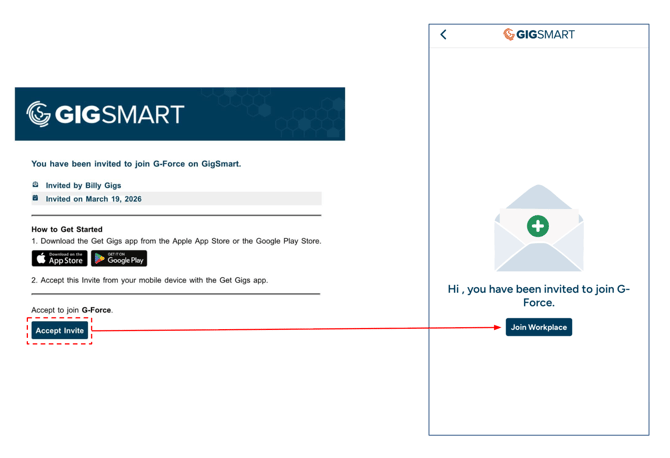
When an Organization adds you as Staff, you'll get an email invitation to join their Workplace.
Step 1 - Open the invitation email link and tap 'Join Workplace' to accept.
Step 2 - If you don't have a Get Gigs account yet, you'll be prompted to create one. Enter your email and create a password.
If you do have an account, please leave the flow, log in first, then open the email invite link again.
Step 3 - Add and confirm your phone number.
Step 4 - Enter your first and last name.
Step 5 - Add a profile photo.
Once you complete these steps, you'll be added to the Organization's Workplace and can start viewing available Shifts.
What if I already have a Get Gigs account?
If you're already logged into Get Gigs when you accept the invitation, you'll be added to the Organization automatically — no need to go through onboarding again.